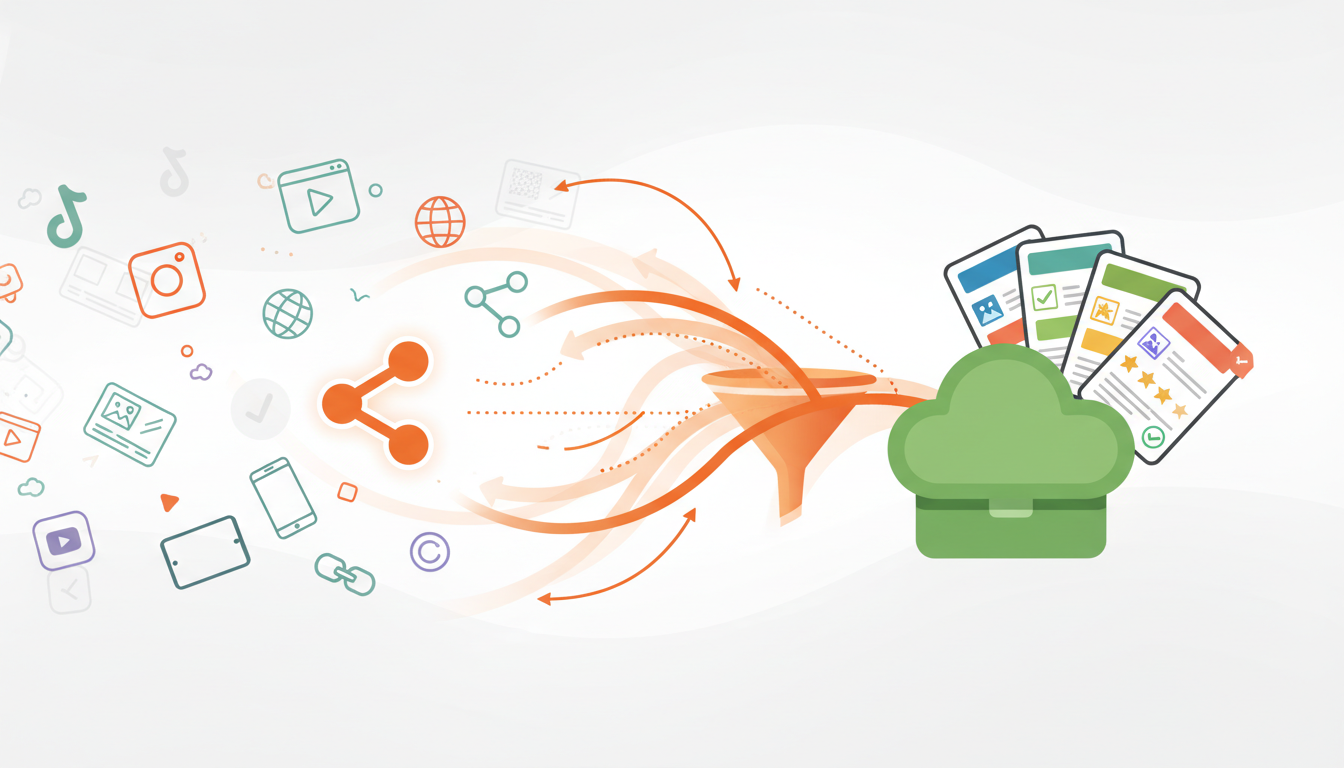
Stop losing recipes in screenshots, browser bookmarks, and endless camera roll scrolling. Whether you're browsing on your phone or desktop, CookCloud makes it effortless to capture and organize every recipe you want to try.
Share directly from your favorite apps on Android, or simply paste a URL from any recipe website. Your collection grows with you, accessible anywhere, anytime.
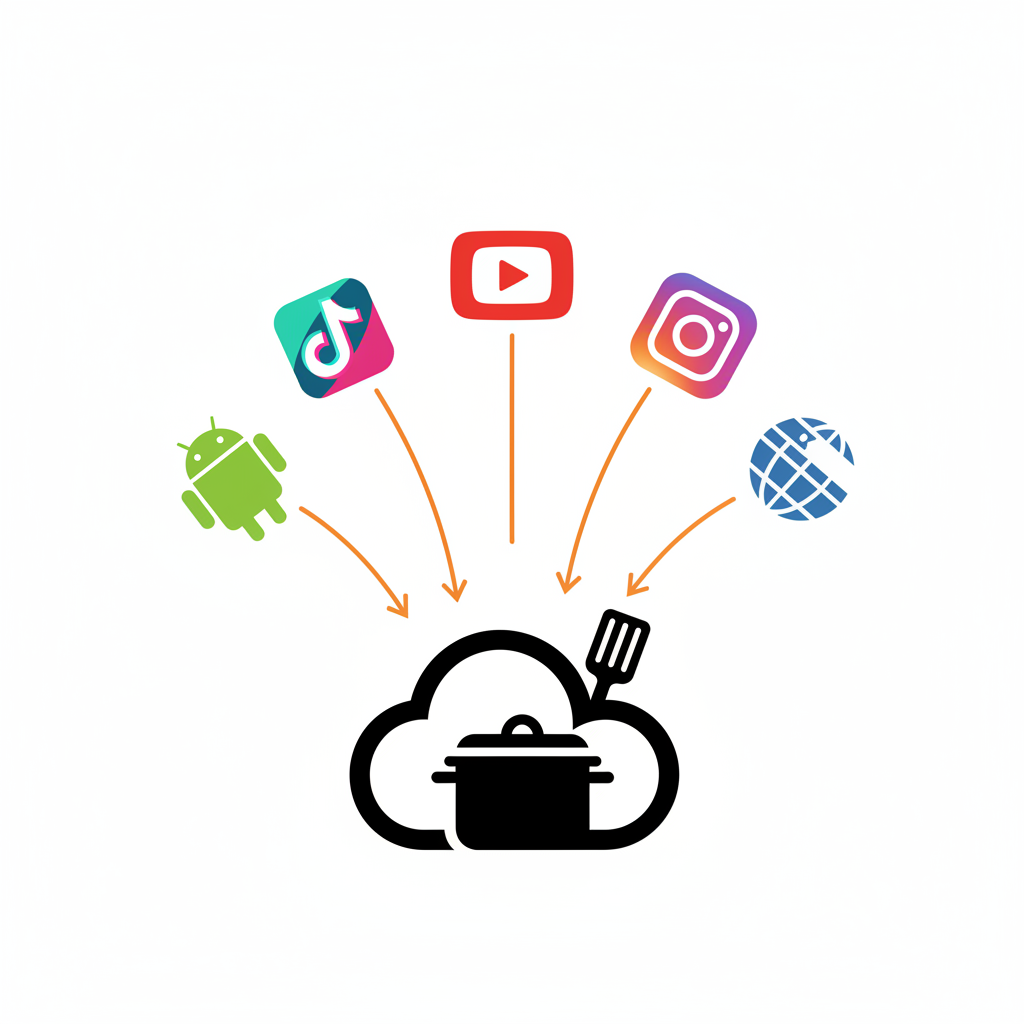
crolling through TikTok and found an amazing recipe? Watching a cooking video on YouTube? With CookCloud's mobile share feature on Android, you can save recipes directly from any app with a single tap. Just tap the share button, select CookCloud, and the recipe is instantly saved to your collection. No screenshots, no copy-pasting, no switching between apps. It's the fastest way to build your recipe library on the go. How It Works: Find a recipe on TikTok, YouTube, Instagram, or any website Tap the share button Select "CookCloud" from the share menu Recipe automatically saves to your collection
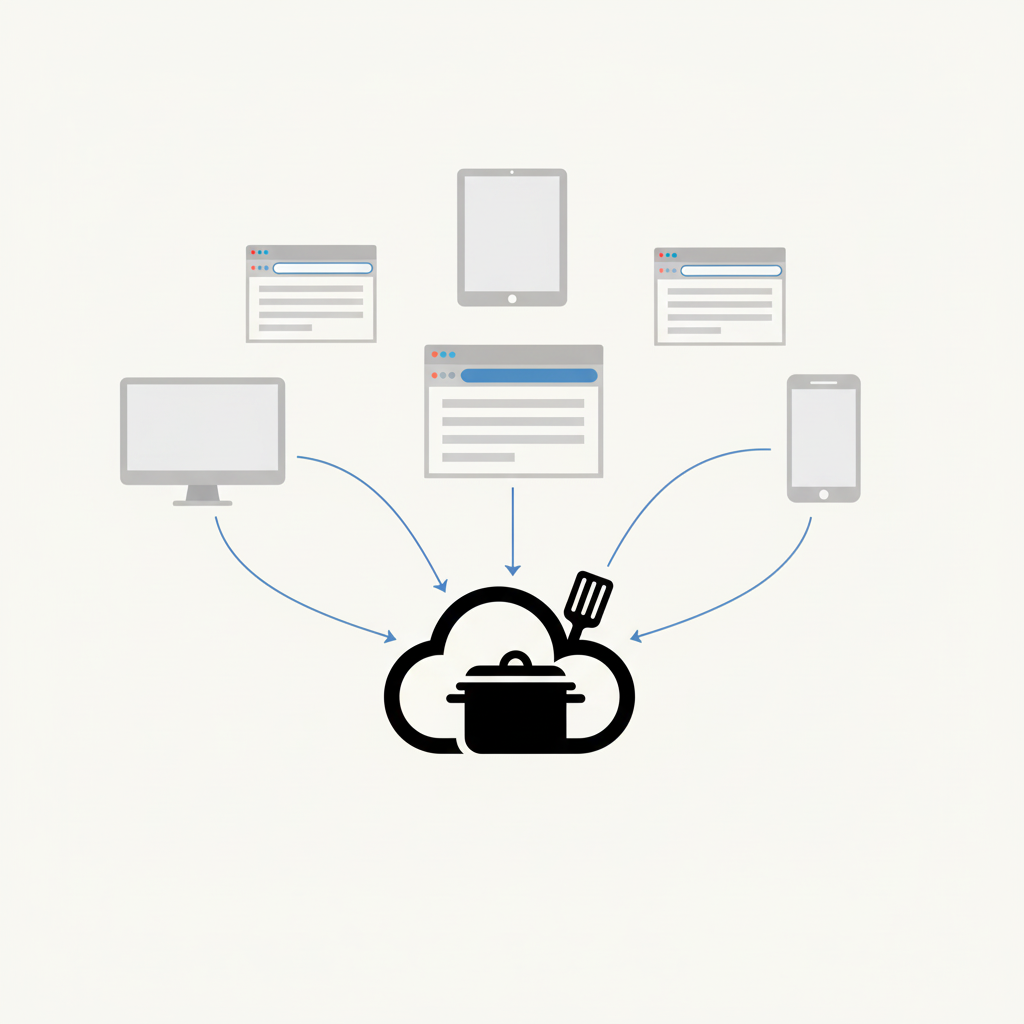
Found a recipe on your laptop? Browsing food blogs on your tablet? Using an iPhone? No problem. CookCloud's URL import works on any device, any browser, anywhere. Simply copy the recipe URL, paste it into CookCloud's import page, and we'll automatically extract the ingredients, instructions, and photos. It works with virtually any recipe website—from major food blogs to personal cooking sites. How It Works: Copy the URL from any recipe website Go to CookCloud's import page Paste the URL and click import Recipe is automatically formatted and saved