We've all been there: you're in the middle of cooking, hands covered in flour, trying to scroll back up to check if you need 2 cups or 3 cups of flour. Then you scroll back down to the instructions, lose your place, and start getting frustrated.
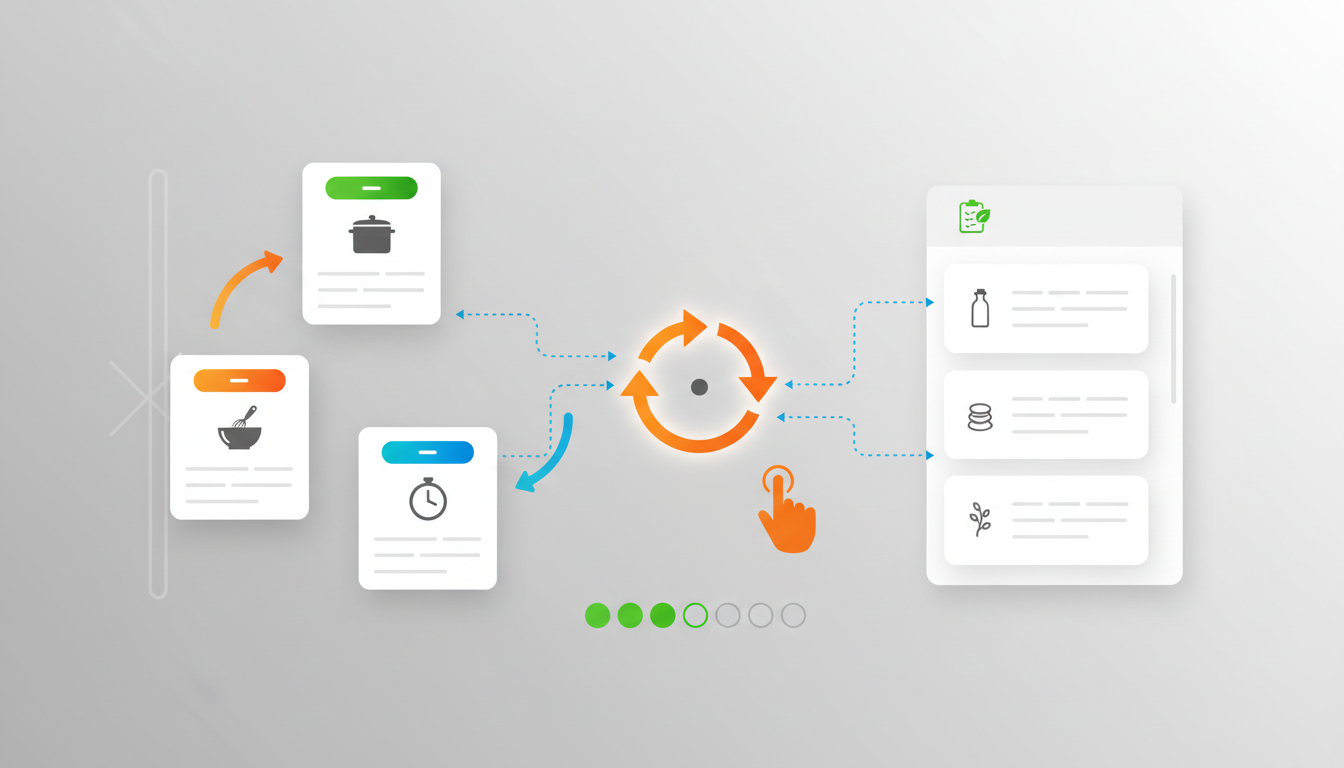
CookCloud's Interactive Cooking Mode solves this. See one clear step at a time, with built-in timers for each task and instant access to your ingredients list. No endless scrolling, no losing your place, no wiping flour off your screen to find that one measurement.
|
|
|---|
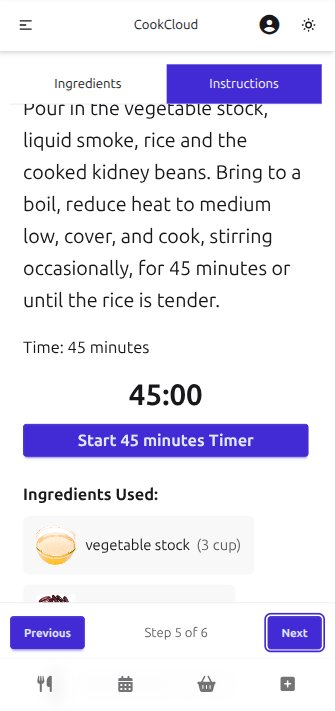
Stop trying to keep track of "step 4 of 12" while your pan is heating up. Interactive Cooking Mode shows you exactly what you need to do right now. One clear step, large text, easy to read from across the kitchen. Tap "Next" when you're done. That's it. No scrolling through a wall of text trying to remember where you were.
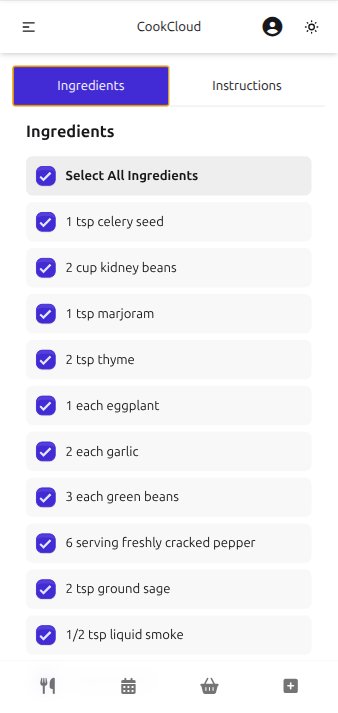
This is the game-changer: flip to your ingredients list with a single tap, check what you need, then flip back to exactly where you were. No scrolling up and down. No trying to remember which step you were on. Step 5 says "add the chicken stock".. wait, how much chicken stock? One tap shows you. Another tap brings you right back to Step 5. That's the kind of small detail that makes cooking so much less stressful.
When a step involves timing: "simmer for 15 minutes," "bake for 30 minutes," "rest for 5 minutes"—start the built-in timer with a single tap. No need to set a separate timer on your phone or stove. No mental math trying to figure out when 15 minutes is up. The timer runs right in the app, and you'll get a notification when time's up. Keep cooking the next steps while your sauce simmers, and you'll know exactly when to come back.